I started this site in 2017 as a professional résumé and a way to share thoughts and discoveries about software development. Since my design skills are severely lacking (i.e., non-existent), I ended up with something that was clean and to the point but lacked any deeper visual interest and didn’t really tell my story:
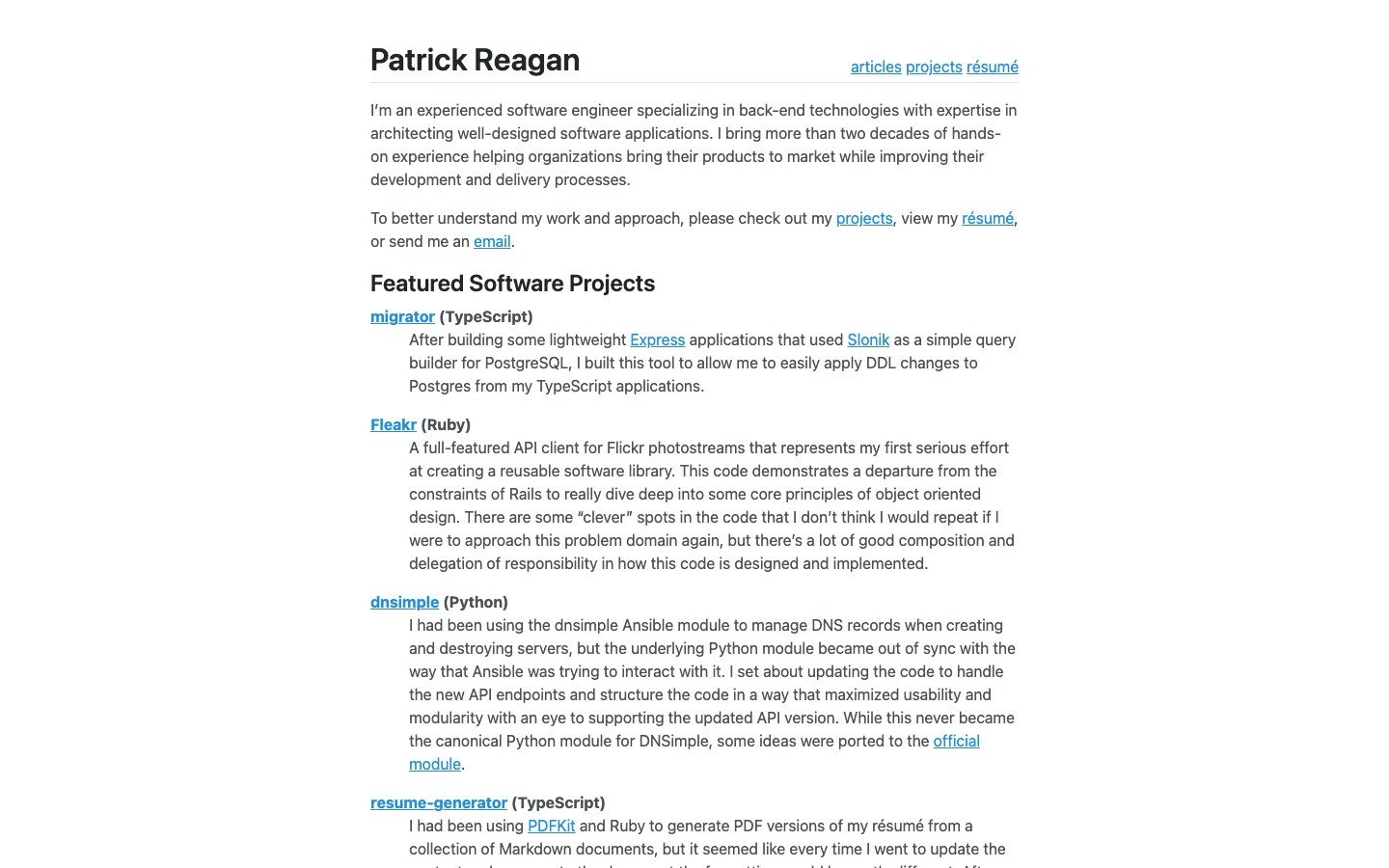
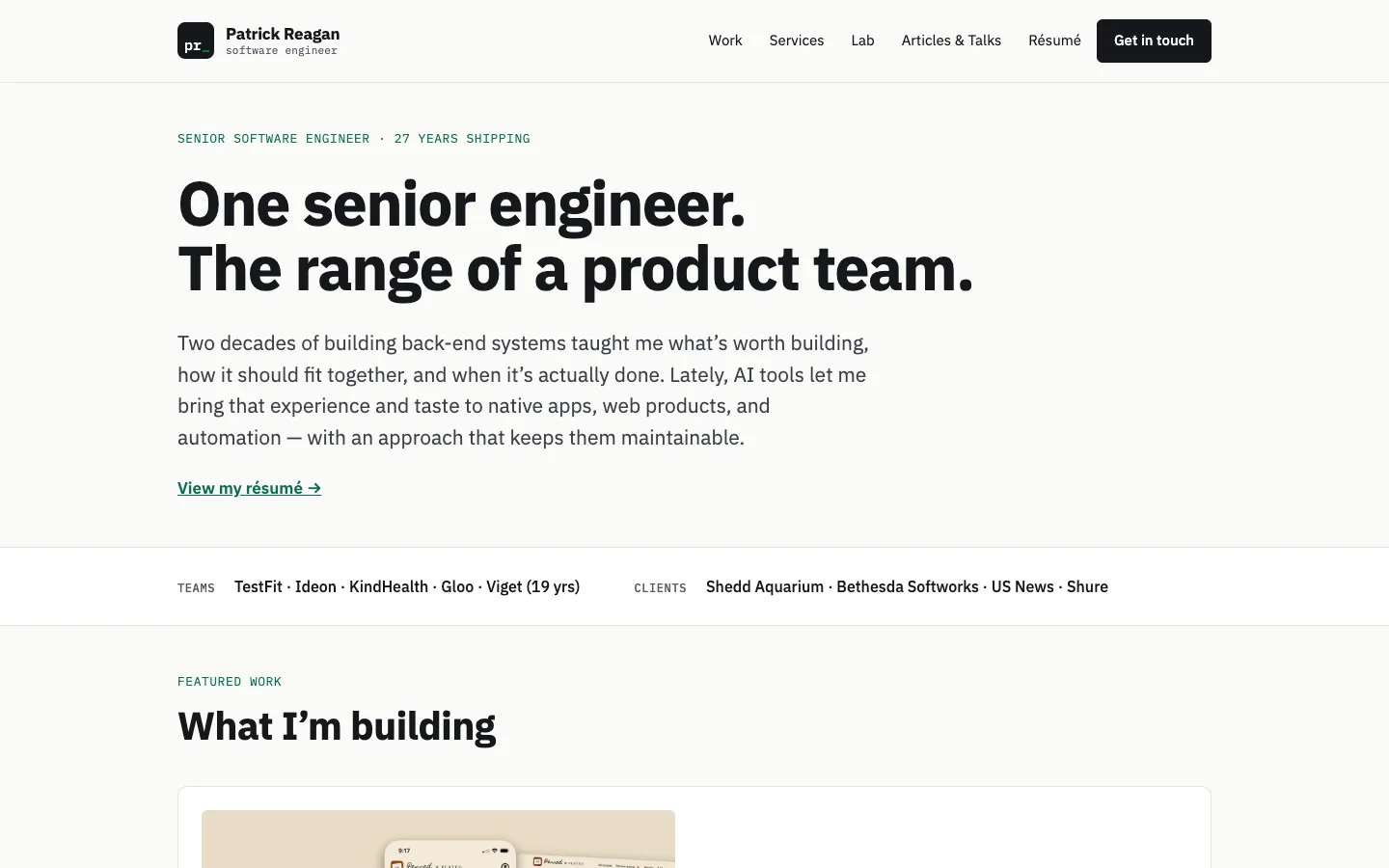
Because I had been deep into agentic development with Claude Code, I thought this site could be another opportunity to leverage Anthropic’s tooling to rebuild the site end-to-end with a more appealing visual design and compelling narrative.
The Setup
I usually start in a terminal inside VS Code for my agentic explorations, but this time I started a project in Claude Desktop to work out a basic design brief and reimagine what my personal site could look like. Once the design was at a point I was happy with, I handed it to a Claude Code session to start the redesign build.
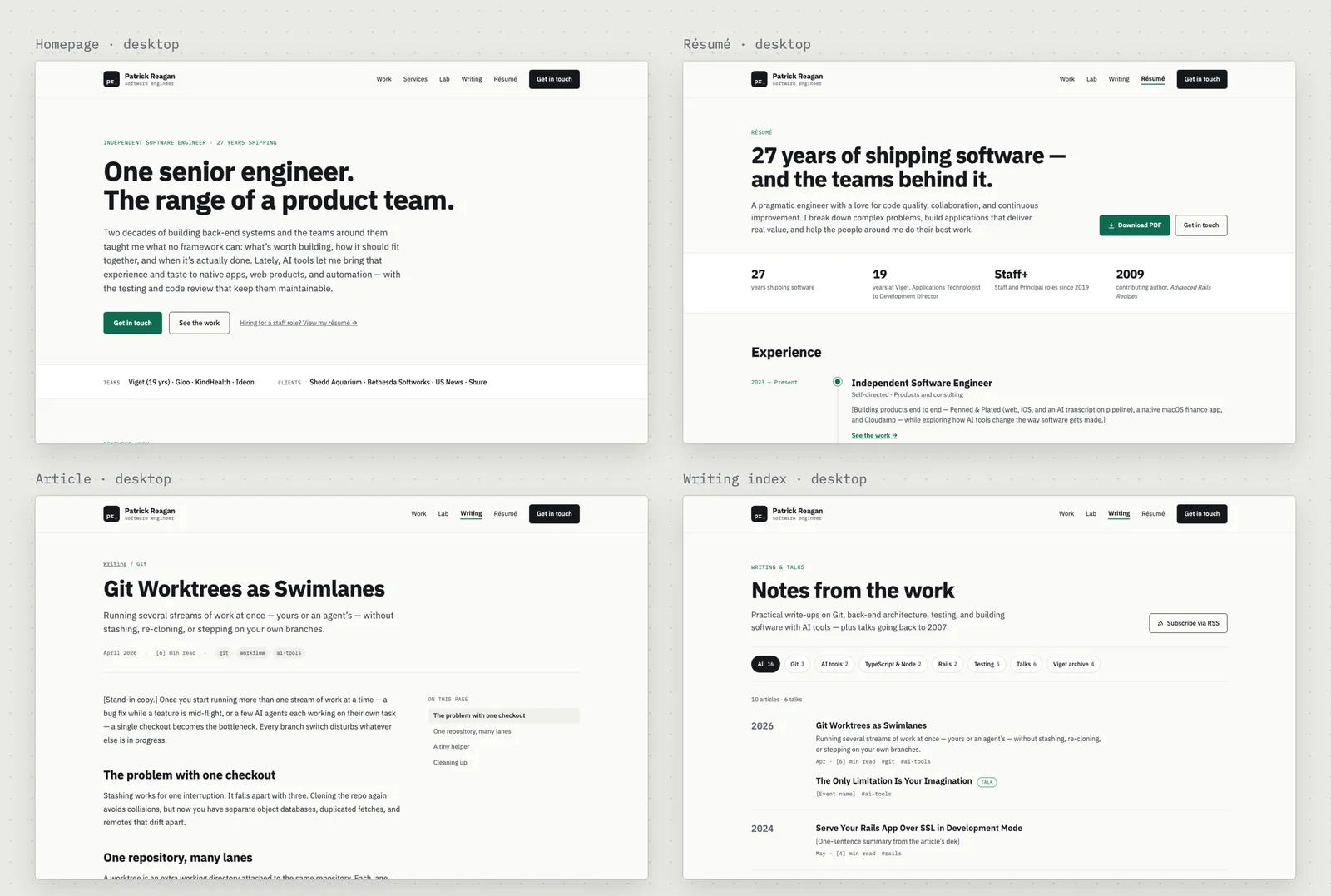
The work happened in three places. I used the Claude Desktop project to turn the brief into page designs. I used Claude Code in my terminal to build the site from those designs, and to check each page against the brief. The third was a design system, a Claude artifact that both sessions read and update, and that the site’s styles are generated from. Claude suggested moving from Jekyll to Astro, and I went with it.
I went back to the design project each time I needed a new page, such as the résumé, the article page and the Articles & Talks split, and each time the design system picked up what it added. The two sessions never shared a chat. They worked from the same files, and I reviewed what each one produced.
The Build
Before the build session changed anything, it listed every public URL the old site served and tagged the last Jekyll commit so I could roll back. Every build after that was checked against the list. That caught a URL format Astro would have broken by default, and a path that belongs to another repository on the same domain.
The plan had checkpoints, and the session stopped for my go-ahead at each one: the inventory, a scaffold where every old URL still resolved, and then the designed pages. After each stop I reviewed what it had built before it went on.
Going from the first commit to a designed site on a branch took about an hour and forty minutes. Getting the details right took most of the next week.
Where AI Needed Correcting
AI agents wrote nearly all of the code. Some of what my reviews caught:
- Code blocks rendered every line on one row. The build passed, and a browser screenshot caught it.
- To prove a Markdown plugin changed nothing, the session built the site with and without it and compared the two. Both builds had failed silently, leaving the old output in place, so it was comparing the old build with itself.
- iPhone Safari enlarged long lines in code blocks. Desktop emulation missed it, and I caught it on a real phone.
- A résumé bullet stretched a 10x improvement on one endpoint to “hot endpoints”. I asked where the number came from, and it was rewritten to match.
Reviewing the Writing
Once the dust had settled from the build, I needed to turn my attention to fine-tuning the presentation and content. Opus 5.5 did a great job of fleshing out specifics of how each case study came together, but it still read as though an agent had written it. I needed to provide a better story through improved visuals and a more direct narrative.
For larger content changes, like adding charts and imagery, I had Claude create artifacts that would update the source pages when I provided inline comments. For the finer content changes, I leaned on the original agent-generated text as an outline and rewrote every story in my own voice from my actual experience.
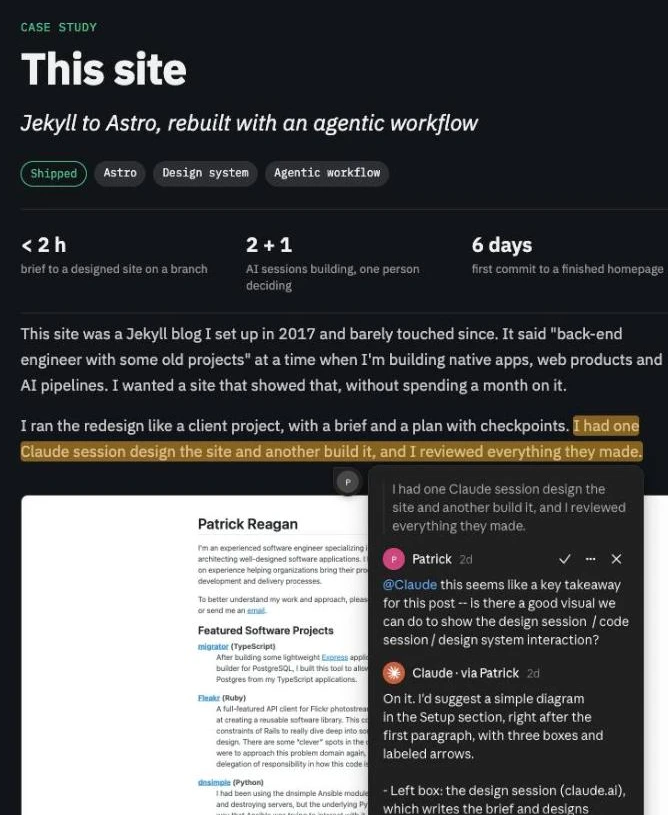
To wrap up the work, I relied on the LLM to correct grammar, add any missed hyperlinks, and confirm that my recollection matched the details from each agent’s build logs.